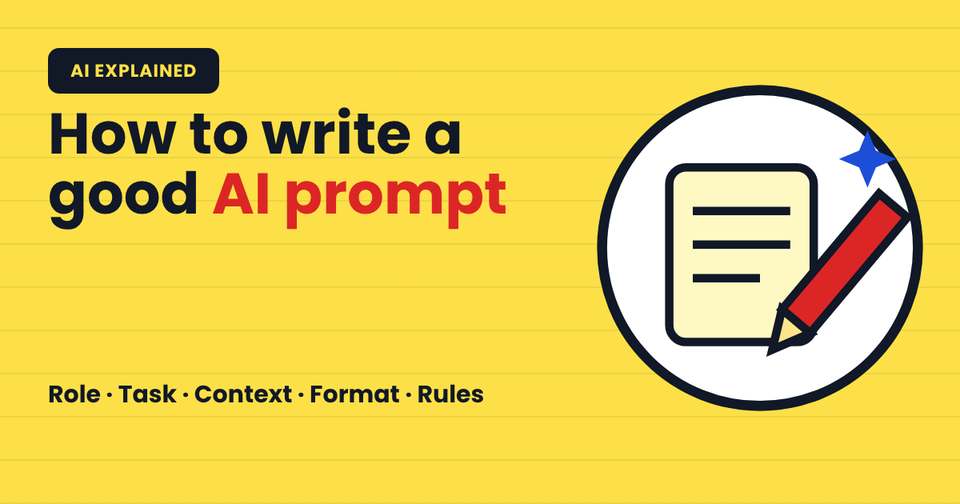
Quick answer: To write a good AI prompt, tell the AI 5 things: who it should act as (role), what you want (task), the background it needs (context), how the answer should look (format) and any limits (rules). Clear prompts get clear answers. And one safety rule always applies: never put passwords, CNIC numbers or private details in a prompt.
Key takeaways
- A prompt is simply the message you give an AI tool like ChatGPT, Claude or Gemini.
- Vague prompts get vague answers. Specific prompts get useful ones.
- Use 5 parts: Role, Task, Context, Format and Rules.
- Always check the answer. AI can sound confident and still be wrong.
- Never share passwords, CNIC numbers, phone numbers or private family details in a prompt.
Most people try AI once, type something short like "write about Pakistan", get a boring answer and decide AI isn't useful.
The problem usually isn't the AI. It's the prompt.
A prompt works like instructions to a very fast new assistant who knows a lot but knows nothing about you. The more clearly you explain, the better the work you get back.
What is a prompt?
A prompt is the text you type into an AI tool to tell it what to do. It can be a question, an instruction or a full brief.
"What is AI?" is a prompt. So is a 10 line request explaining exactly what you need, who it's for and how it should look. Both work, but the second one gets far better results.
Why do some prompts give bad answers?
AI tools predict the most likely helpful response based on what you give them. If you give very little, they fill the gaps with general, average answers.
Compare these 2 prompts:
- Weak: "Write a post about studying."
- Strong: "You are a friendly teacher. Write a 100 word Facebook post for Pakistani Class 9 students about studying for board exams. Give 3 simple tips. Use simple English and end with a question."
The second prompt tells the AI who to be, who the reader is, how long to write and what to include. The answer will be far more useful.
How do I write a good AI prompt? The 5 part method
Use this simple structure every time:
- Role. Who should the AI act as? "You are a patient maths teacher."
- Task. What exactly do you want? "Explain fractions."
- Context. Who is it for and why? "For a 10 year old who finds maths difficult."
- Format. How should it look? "In 5 short steps with one real life example."
- Rules. Any limits? "Use simple words. No more than 150 words."
Put together, it reads like this:
"You are a patient maths teacher. Explain fractions to a 10 year old who finds maths difficult. Use 5 short steps and one real life example, like sharing a roti. Use simple words and keep it under 150 words."
You don't need all 5 parts every time, but the more you include, the better the answer.
How do I improve an answer I don't like?
Don't start again. Talk back to it, like you would with a person:
- "Make it shorter."
- "Explain it more simply, like I'm 10."
- "Give me 3 more examples from Pakistan."
- "Turn this into a table."
- "What did you get wrong or leave out?"
This back and forth is where most of the value comes from.
What should I never put in a prompt?
This is the most important part. What you type into an AI tool may be stored, and depending on the app and its settings, it may be used to improve the service.
Never include:
- Passwords, PINs or OTP codes
- CNIC, passport or bank account numbers
- Your home address or phone number
- Private photos or documents of children and family
- Confidential work or client information
If you need help with a private document, remove names and numbers first, or describe the problem in general terms.
And always check important answers. AI can make up facts, names and figures that look real. For anything that matters, confirm it with a teacher, a textbook or a trusted website.
How can students and parents practise?
Try this 10 minute activity at home or in class:
- Ask an AI tool a short, vague question and save the answer.
- Rewrite it using the 5 part method and ask again.
- Compare the 2 answers side by side.
- Find one thing in the better answer that you should double check.
This one exercise teaches more about AI than hours of theory, and it builds the safe habits that matter for the next generation.
For more, read how does AI work, explained simply, 5 AI myths parents should stop believing and AI voice scams and the family safe word.
FAQ
How do I write a good AI prompt?
Write a good AI prompt by including 5 parts: a role for the AI, a clear task, context about who it's for, the format you want and any rules like length or tone. Specific prompts get specific, useful answers, while short vague prompts usually get general ones.
What is prompt engineering?
Prompt engineering is the skill of writing clear instructions for AI tools so they give useful, accurate answers. It doesn't need coding. It means explaining what you want, who it's for and how the answer should look, then refining the result through follow up messages.
Is it safe to share personal information with AI chatbots?
No. Avoid sharing passwords, CNIC numbers, addresses, phone numbers or private family details with AI chatbots. What you type may be stored by the service. Remove names and numbers from documents first, or describe the problem in general terms instead.
Which AI tool is best for beginners?
ChatGPT, Claude and Gemini are all good for beginners and have free versions. The tool matters less than the prompt. Pick one, follow the age limits for each app, and practise the 5 part method to get better answers from any of them.
Can children use AI prompts safely?
Yes, with adult guidance and clear rules. Children should follow each app's age limits, never share personal details, and always check important answers with a teacher or trusted source. Practising prompts together with a parent is a safe, fun way to start.
Your turn
Pick one thing you need help with today, write a prompt using the 5 parts, and compare it with your usual way of asking. Then share this guide with a student or parent who is just starting with AI.